
Short answer
Go to app.tejorder.com/register, enter your mobile number and verify the OTP. After that, log in at app.tejorder.com/login with your mobile number and PIN.
Create your account
- Open the sign-up page Open app.tejorder.com/register, or tap Create one free on the login page.
-
Enter your mobile number and tap Send OTP
Use a number you can receive messages on. Enter the OTP you get to continue.
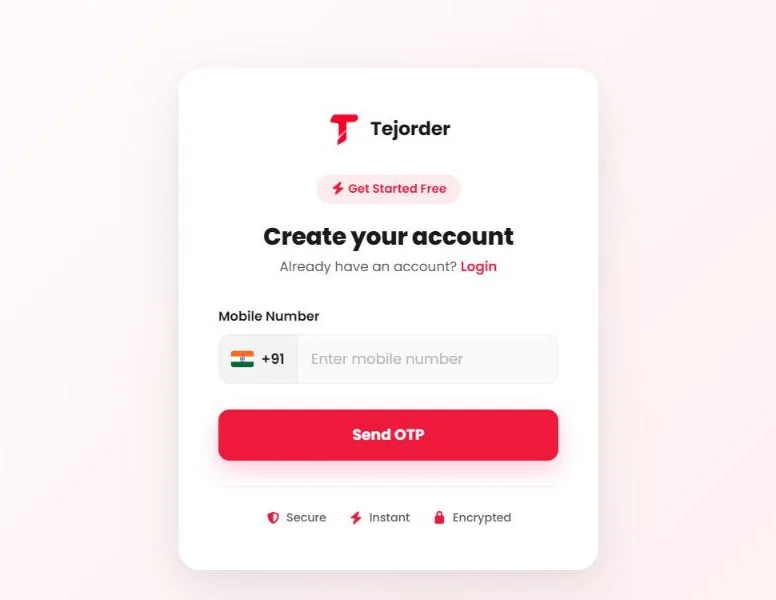
The sign-up page asks only for your mobile number.
New accounts start on the Free plan with 100 bills that never expire.
Log in
- Open the login page Go to app.tejorder.com/login on any phone, tablet or computer.
-
Enter your mobile number and PIN, then tap Login
Tap the eye icon to check the PIN you typed.
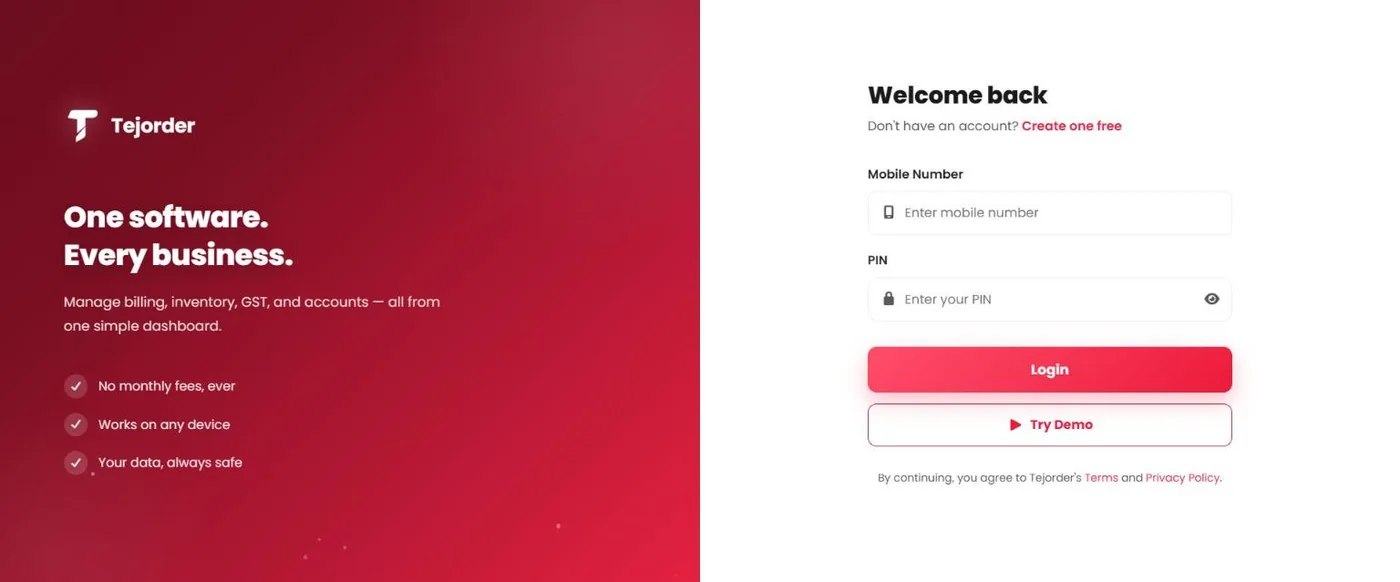
Login page — Login with your account, or Try Demo to look around.
Try before you sign up
Tap Try Demo on the login page. It opens a sample business with sample data, so you can see every screen first.
The demo is shared by everyone. Do not enter your real customer or business details in the demo.
Common problems
I did not get the OTP
Check that the mobile number is correct and has network. Wait a minute and try again. If it still does not come, call or WhatsApp us.
Login says my number or PIN is wrong
Use the same mobile number you signed up with, and check the PIN with the eye icon. If you have forgotten your PIN, call or WhatsApp us and we will help you get back in.