
Short answer
Parties are your customers and suppliers. Open Parties → All Parties and tap Add Party. Choose Customer, Supplier or Both, type the name and mobile number, and add the address, GST details and opening balance if you have them. The list shows how much you have to receive from or pay to each party.
Steps
-
Open Parties
Open Parties → All Parties. Use the Customers and Suppliers tabs (or the menu items of the same name) to see only one type. The cards at the top show the total To Receive and To Pay.
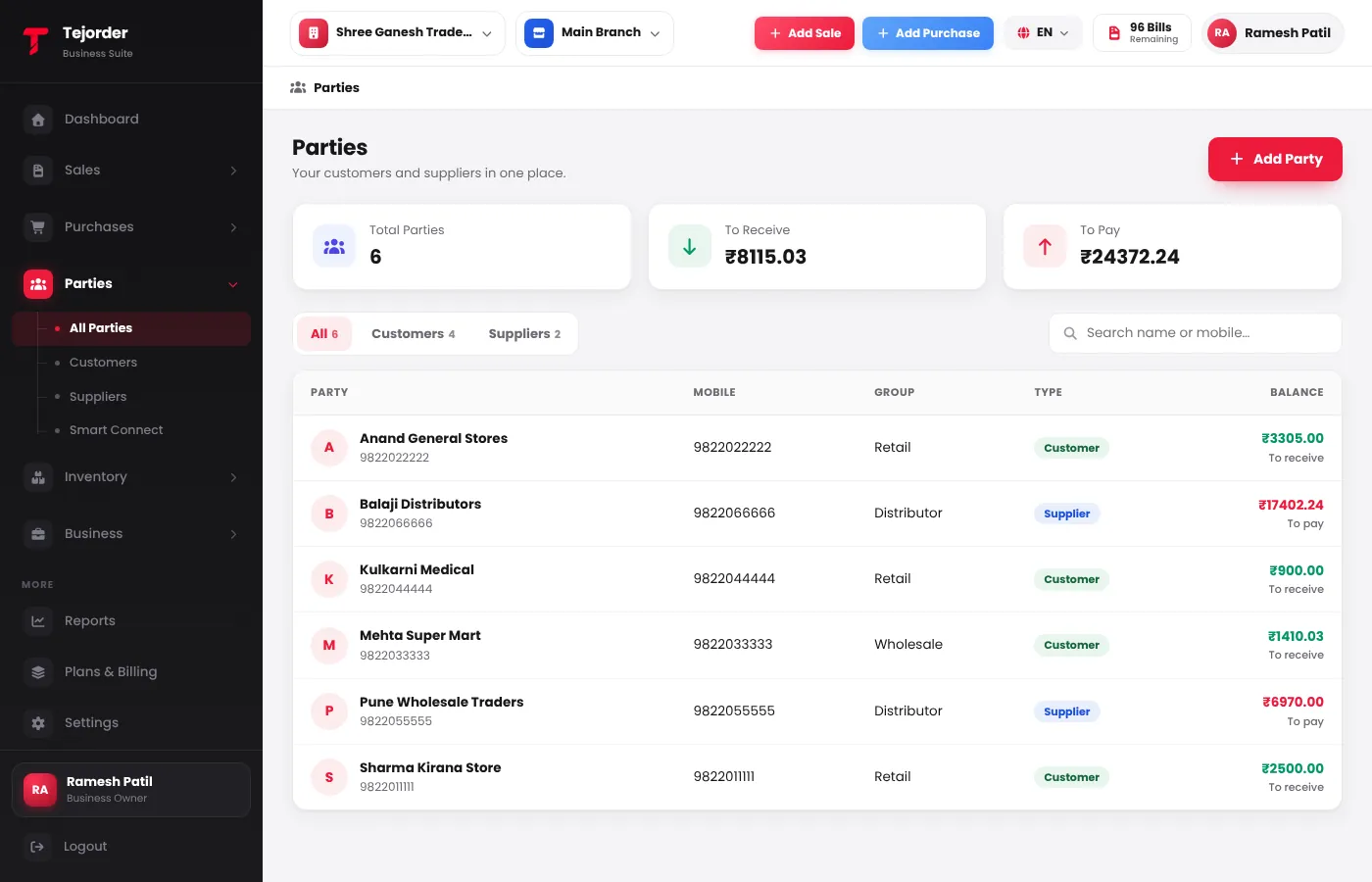
Parties — every customer and supplier with their group and balance. -
Tap Add Party and fill the basics
Choose Customer, Supplier or Both. Party Name is required; add the phone number so you can send bills on WhatsApp. Pick a Party Group (like Retail or Wholesale) if you use groups.
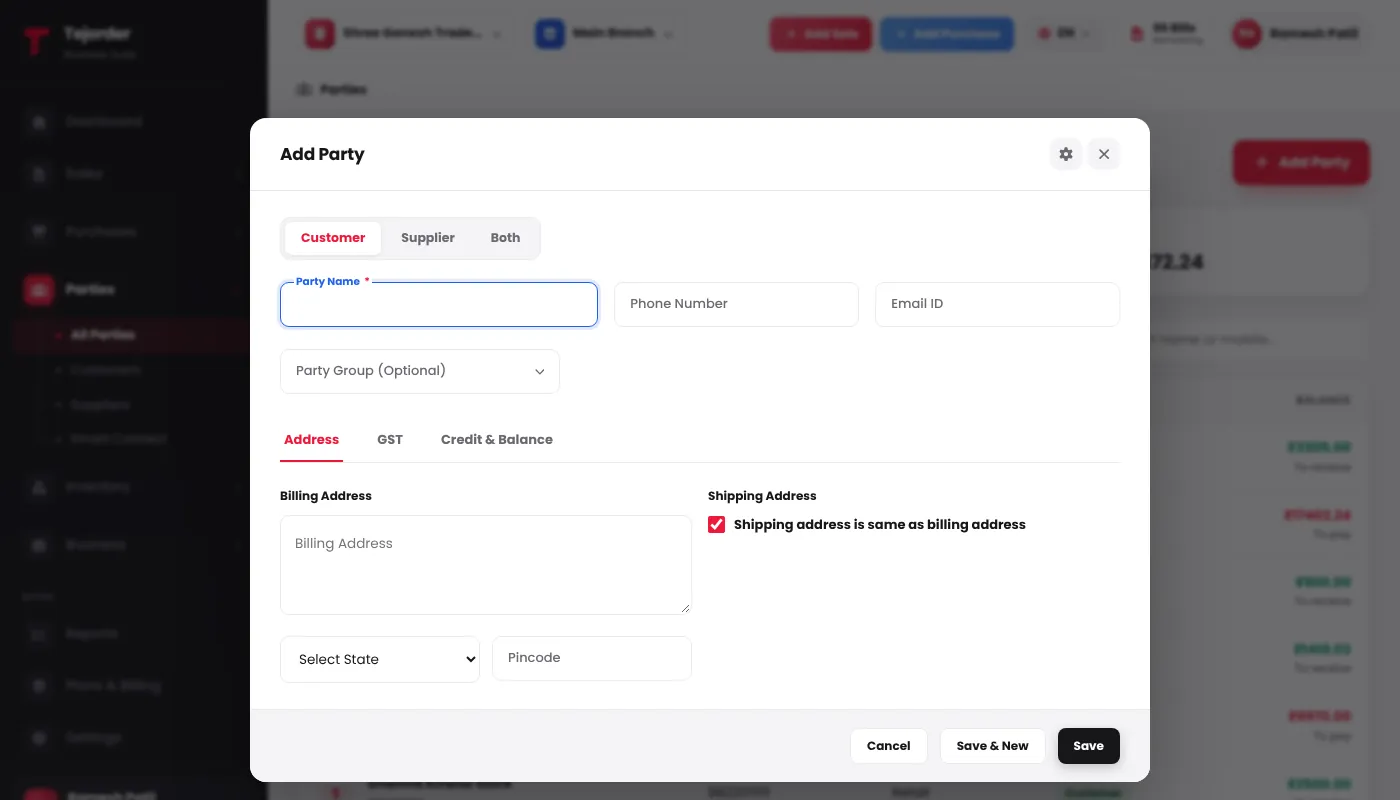
Add Party — Address, GST and Credit & Balance are in the tabs below the name. - Add address, GST and balance Address: billing address, state and pincode (the shipping address can be the same). GST: the party's GST type and GSTIN. Credit & Balance: an opening balance with its date (To Receive or To Pay) and a credit limit.
- Save Tap Save, or Save & New to add the next party straight away.
You can also add a new party while making an invoice or bill — just type a new name in the customer or supplier box.
Common problems
It asks for an Opening Balance Date
When you enter an opening balance, also enter the date it was due from — usually the day you started using TejOrder or the start of the financial year.
The mobile number is already used by another party
TejOrder warns you so you don't create the same party twice. Open the existing party instead, or create a new one if it really is a different party.