
Short answer
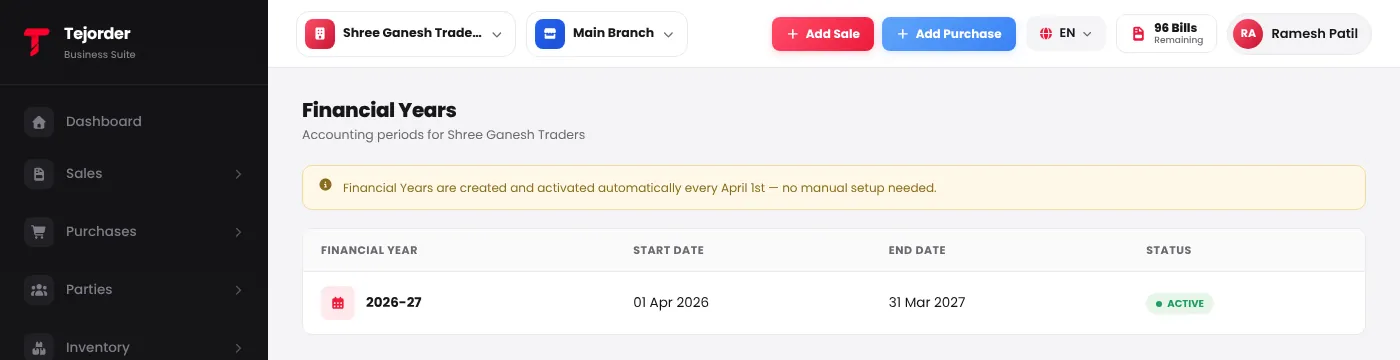
You don't need to set up a financial year. TejOrder creates and activates it automatically every 1 April (for example 2026-27 runs from 01 Apr 2026 to 31 Mar 2027). Business → Financial Year shows your years and which one is active.
Where the financial year is used
- Bill numbers — invoices, receipts and vouchers carry the year, like SI/26-27/0001, and start again from 0001 in a new year.
- Lists and totals — Sales, Purchases and Payment pages open with the current financial year's dates.