
Short answer
Smart Connect links your WhatsApp to TejOrder so you can chat with your customers and suppliers inside TejOrder. Open Parties → Smart Connect, tap Link my WhatsApp and scan the QR code from WhatsApp → Linked devices on your phone. Only chats with your saved parties are shown — your personal chats stay private.
Steps
-
Open Smart Connect
From the menu, open Parties → Smart Connect and tap Link my WhatsApp. Only the business owner can link WhatsApp.
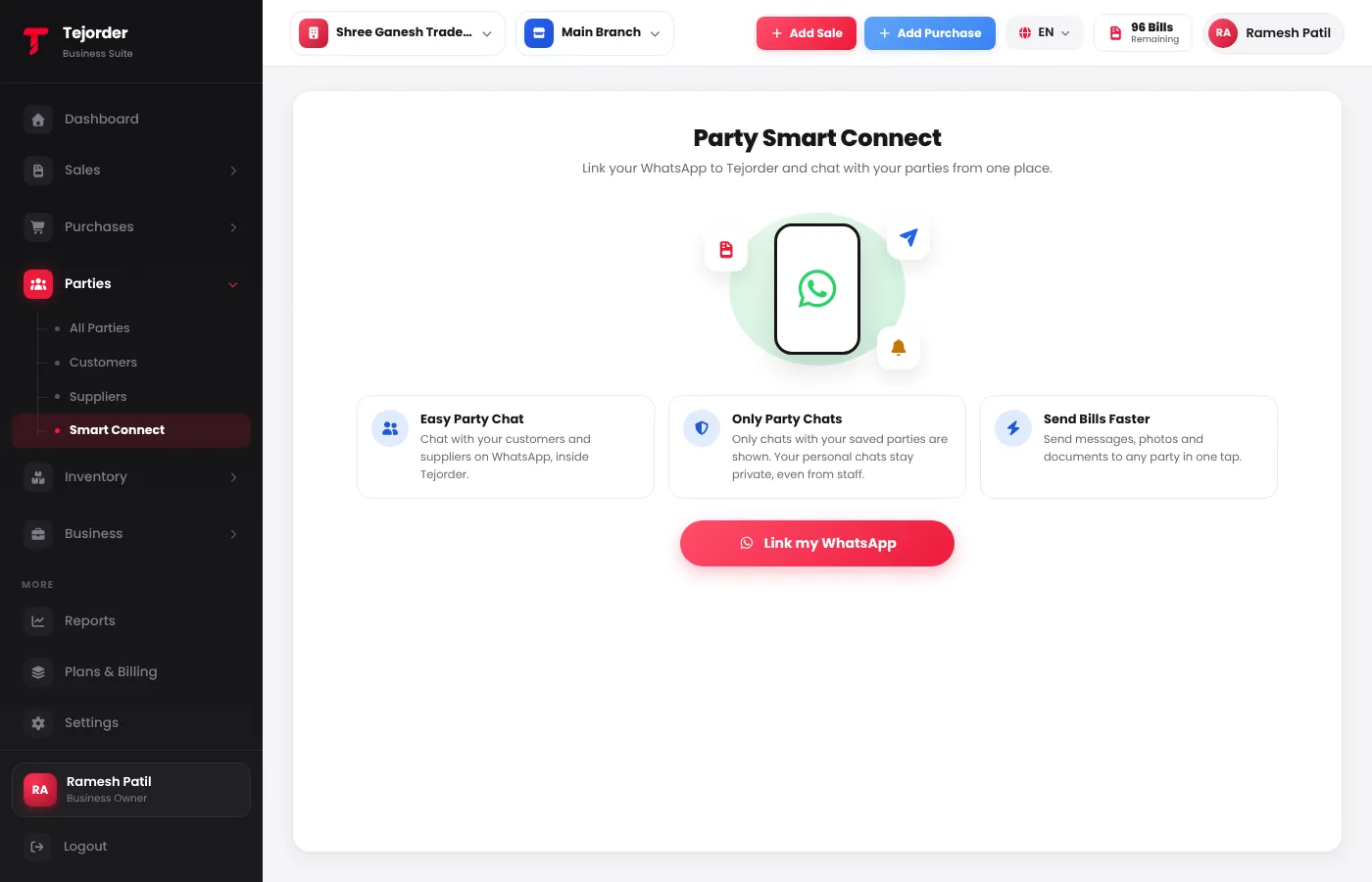
Parties → Smart Connect - Scan the QR code On your phone, open WhatsApp, tap ⋮ (or Settings on iPhone) → Linked devices → Link a device, and point the phone at the QR code on the screen.
- Or link with your phone number Choose Link with phone number, type your WhatsApp number and tap Get code. In WhatsApp → Linked devices → Link a device, tap Link with phone number instead and type the code shown.
- Chat with your parties Once linked, your party chats show here. Start a New chat with any saved party and send messages, photos and documents.
Common problems
The QR code expired
Tap Refresh QR and scan the new code quickly.
A chat is missing
Only chats with numbers saved as parties show. Add that person as a party with the same mobile number.