
Short answer
A godown is a place where you keep stock, like a shop floor or a back store. Every branch gets a Main Godown when it is created. To add another, open Business → Godowns, tap Add Godown, pick the branch, type the name and tap Save Godown.
Steps
-
Open Godowns
Open Business → Godowns. Each godown shows with its branch, address and status. The star marks the main godown of a branch.
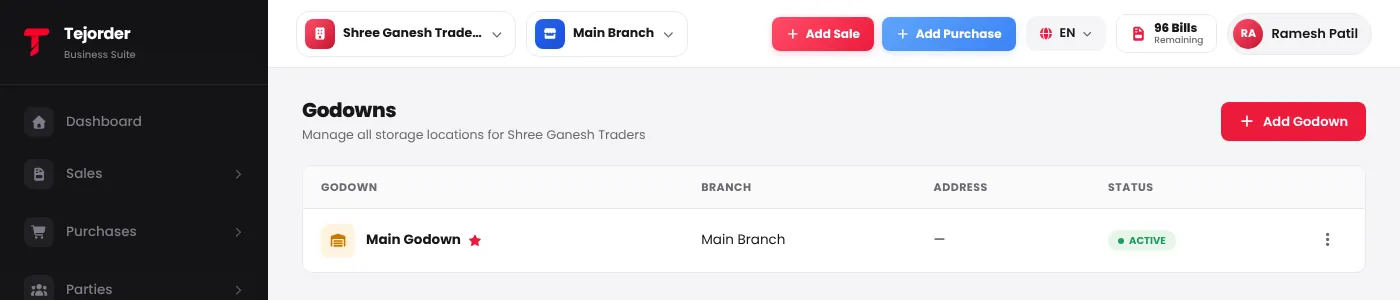
Business → Godowns - Add a godown Tap Add Godown. Pick the branch, type the Godown Name (code and address are optional) and tap Save Godown. Tick Set as Main Godown to make it the branch's main one.
- Edit, make main or deactivate Use the ⋮ menu next to a godown to edit it, set it as the main godown, or deactivate it.